How to add policy pages to your Haulistic store
Your store's policies tell customers how you handle their information, orders, deliveries, and returns. Haulistic gives each policy its own page in the seller dashboard. This guide shows where to find those pages, how to start with a sample, and what to check before publishing.
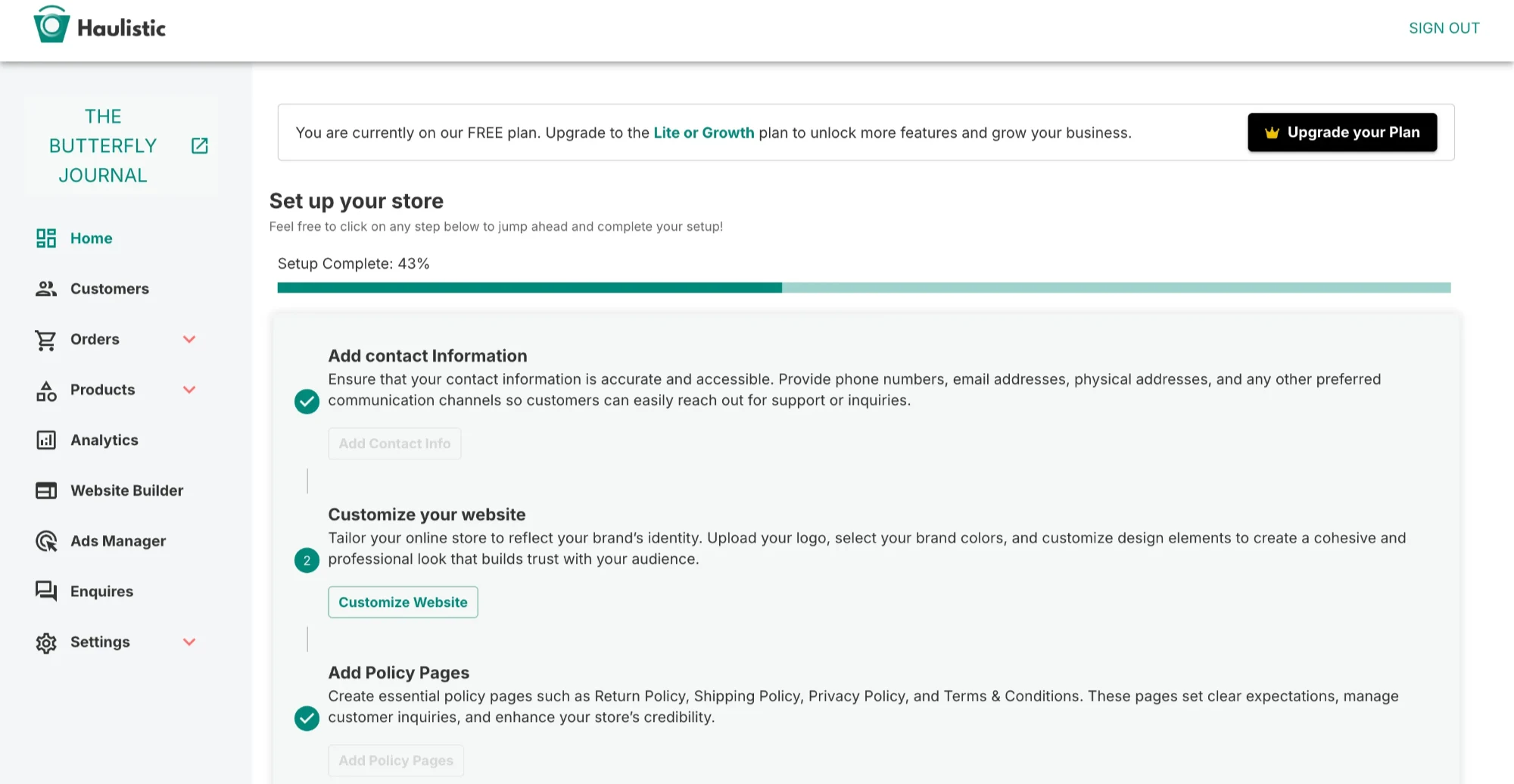
Find the policy setup task
Sign in to your seller dashboard and open Home. In the setup checklist, find Add your shop policies and select Complete Policies. The card tracks four pages: Privacy policy, Terms of service, Shipping policy, and Returns policy.
You can also use Pages in the left menu to open a policy directly. Expand it to see Privacy Policy, Terms of Service, Shipping Policy, and Returns and Refunds Policy.
Open and edit a policy page
Choose a policy from Pages. The editor has a text area, formatting controls, a character counter, and Save and Cancel buttons. The Privacy Policy screen shown here allows up to 10,000 characters.
You can write your own policy in the editor or select Use Template to insert sample text. The sample is a starting point: review and change it to match how your shop actually operates before saving.

Customize the sample before saving
The Privacy Policy template includes a (Your store name) placeholder and example statements about information collected and how it is used. Replace the placeholder and check every statement against your store's real practices. Remove or rewrite anything that does not apply.
Use the same approach for the other pages:
- Terms of Service: Explain the rules and conditions for using your store and placing orders.
- Shipping Policy: State the delivery options, expected timeframes, costs, and areas you serve.
- Returns and Refunds Policy: Explain eligibility, time limits, steps for requesting a return, and how refunds are handled.
The exact content you need depends on your business and where you sell. If you are unsure what a policy must include, have someone qualified review it before publishing.
Save and check all four pages
Select Save after finishing a policy, then return to Pages for the next one. Check all four entries on the Home setup card as you work through them.
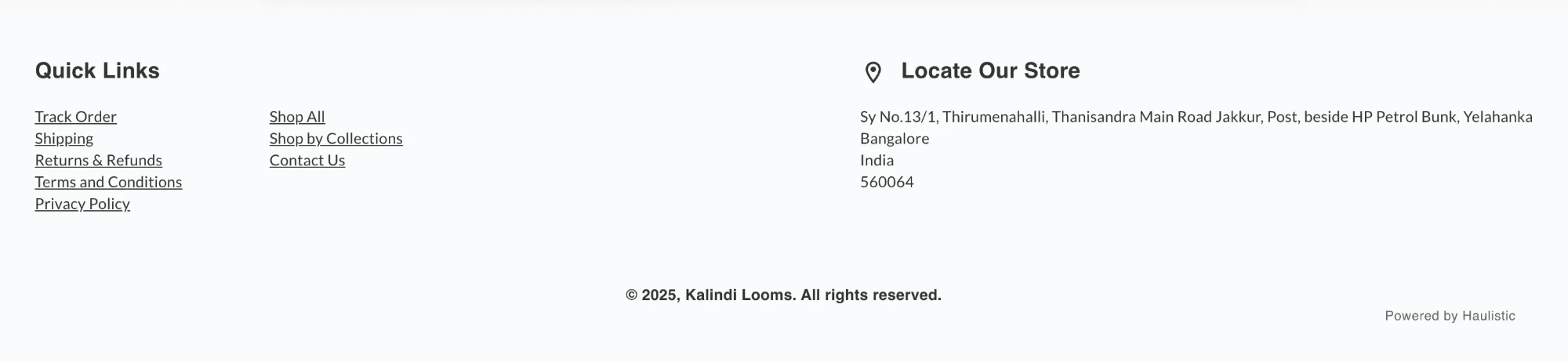
Finally, open your customer-facing store and review each policy page as a buyer would. Confirm that the text is complete, readable, and matches your current shipping, returns, payment, and data-handling practices. Revisit the policies whenever those practices change.